 DepEd Region IV‑A CALABARZON
Maka-Diyos Maka-tao Makakalikasan Makabansa
The official online portal of Tejero Elementary School.
- 11
- Enrolled Pupils
- 8
- Teachers
- 0
- Scans Today
Maligayang pagdating sa ating paaralan
Here at Tejero Elementary School, we believe every child learns best when home and school move together. This portal keeps you close to your child's day — their lessons, their attendance, and the moments worth celebrating.







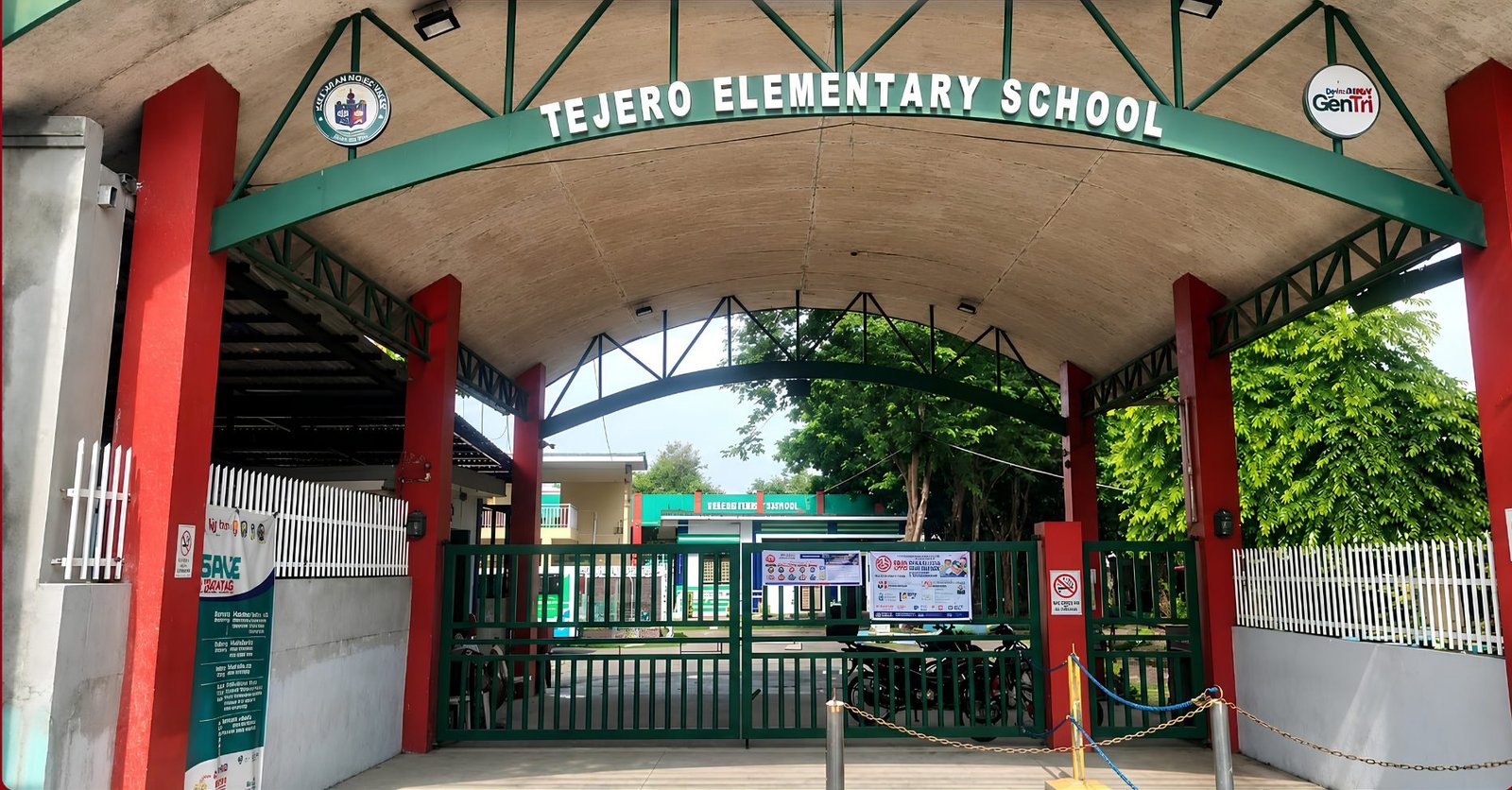
A neighbourhood school families can count on
Tejero Elementary School is a public elementary school under the Department of Education, Region IV‑A CALABARZON, serving learners and their families in General Trias City, Cavite.
Guided by the K–12 Basic Education Program, the school pairs everyday classroom learning with an open line to parents — announcements, academic records, and daily attendance all kept in one place, so home and school stay on the same page.
Vision
We dream of Filipinos who passionately love their country and whose values and competencies enable them to realize their full potential and contribute meaningfully to building the nation.
As a learner-centered public institution, the Department of Education continuously improves itself to better serve its stakeholders.
Mission
To protect and promote the right of every Filipino to quality, equitable, culture-based, and complete basic education where: students learn in a child-friendly, gender-sensitive, safe, and motivating environment; teachers facilitate learning and constantly nurture every learner; administrators and staff ensure an enabling and supportive environment; and family, community, and other stakeholders are actively engaged and share responsibility for developing life-long learners.
Find your front door
Choose where you belong and sign in to your part of the portal.
Frequently asked questions
Once your account is activated, log into the Student Portal and open your child's Profile page. Today's scan-in and scan-out counts appear in the Scan Activity card. You will also receive a weekly email summary every Monday with the full attendance breakdown.
Click the Login button above, then choose Register. You will need your child's Learner Reference Number (LRN), full name (surname first), and date of birth — these are the activation key the school set up when they enrolled your child. If you don't have them, ask the school office.
The system sends attendance summaries via email every week. Make sure the email address on your child's student record is correct — you can ask the school office to update it if needed.
The SF-10 module is now live. The school admin uploads your child's official school form as a secured PDF. Once uploaded, you can view and download it from the Records section in the portal. Access is restricted to verified parent accounts only.
No matching questions found.